
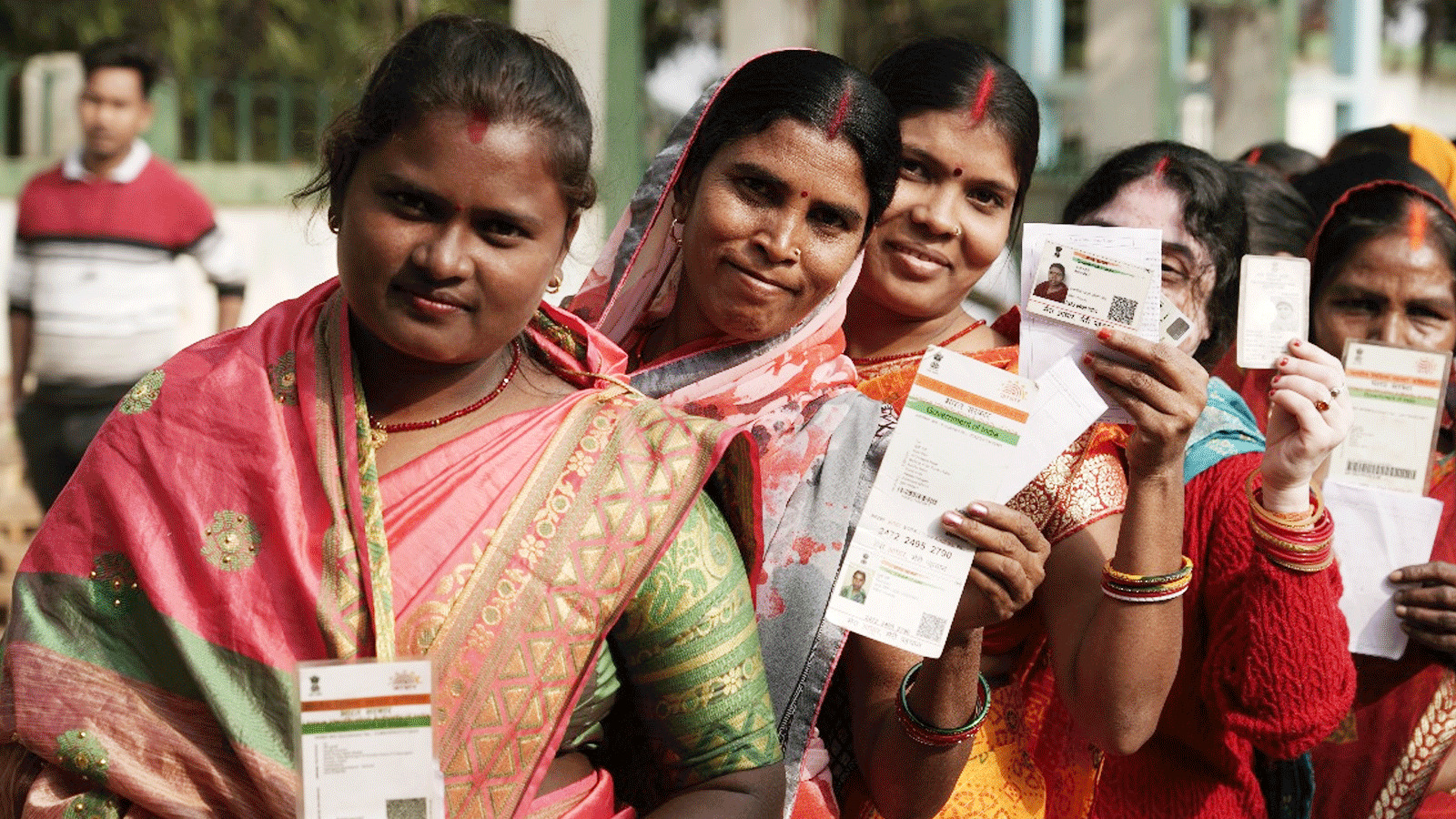
In a major compliance push, the Maharashtra Government has made e-KYC verification compulsory for all beneficiaries of the Mukhyamantri Majhi Ladki Bahin Yojana. The state has directed eligible women to complete the process by November 18, 2025, warning that monthly financial assistance will be withheld for those who fail to update their details.

Approved in June 2024, the Ladki Bahin Yojana provides ₹1,500 per month to registered and eligible women across Maharashtra. The amount is transferred directly into beneficiaries’ bank accounts through the Direct Benefit Transfer (DBT) system.

A government circular issued on September 18, 2025, cites Section 7 of the Aadhaar Act, 2016, making Aadhaar-based verification mandatory for continued access to the scheme. According to the notification, beneficiaries must either submit their Aadhaar number or complete Aadhaar authentication to remain eligible.
To streamline the verification process, the Women and Child Development Department has been recognised by UIDAI as a Sub-AUA/Sub-KUA, enabling it to process Aadhaar-based e-KYC authentications. The scheme’s official portal has also been upgraded with a dedicated e-KYC feature to ensure smooth digital verification.
How to Complete e-KYC for the Ladki Bahin Yojana
Beneficiaries can follow these steps to update their e-KYC:
Step 1: Visit the official portal:
https://ladakibahin.maharashtra.gov.in
Step 2: Click on the e-KYC banner displayed on the homepage.
Step 3: Enter your Aadhaar number, fill in the captcha, provide consent, and select Send OTP.
Step 4: The system verifies whether e-KYC is already completed.
- If completed, the message displayed will be: “e-KYC already completed.”
Step 5: The system checks if the Aadhaar number is included in the approved beneficiary list.
- If not, the following message appears:
“Aadhaar number is not in the eligible list of the Mukhyamantri Majhi Ladki Bahin Scheme.”
Step 6: Enter the OTP sent to the mobile number linked with your Aadhaar and submit.
Step 7: Provide the Aadhaar number of your husband or father, complete the captcha, give consent, and click Send OTP.
Step 8: Enter the OTP received on the respective linked mobile number.
Step 9: Furnish additional required details:
- Select caste category
- Declare that:
• No family member is a government/PSU/board employee or pensioner
• Only one married and one unmarried woman from the family are availing benefits
Tick the declaration box and submit the application.
Finally, a confirmation will appear stating:
“Success – Your e-KYC verification has been successfully completed.”
👉 Click here to read the latest Gujarat news on TheLiveAhmedabad.com